
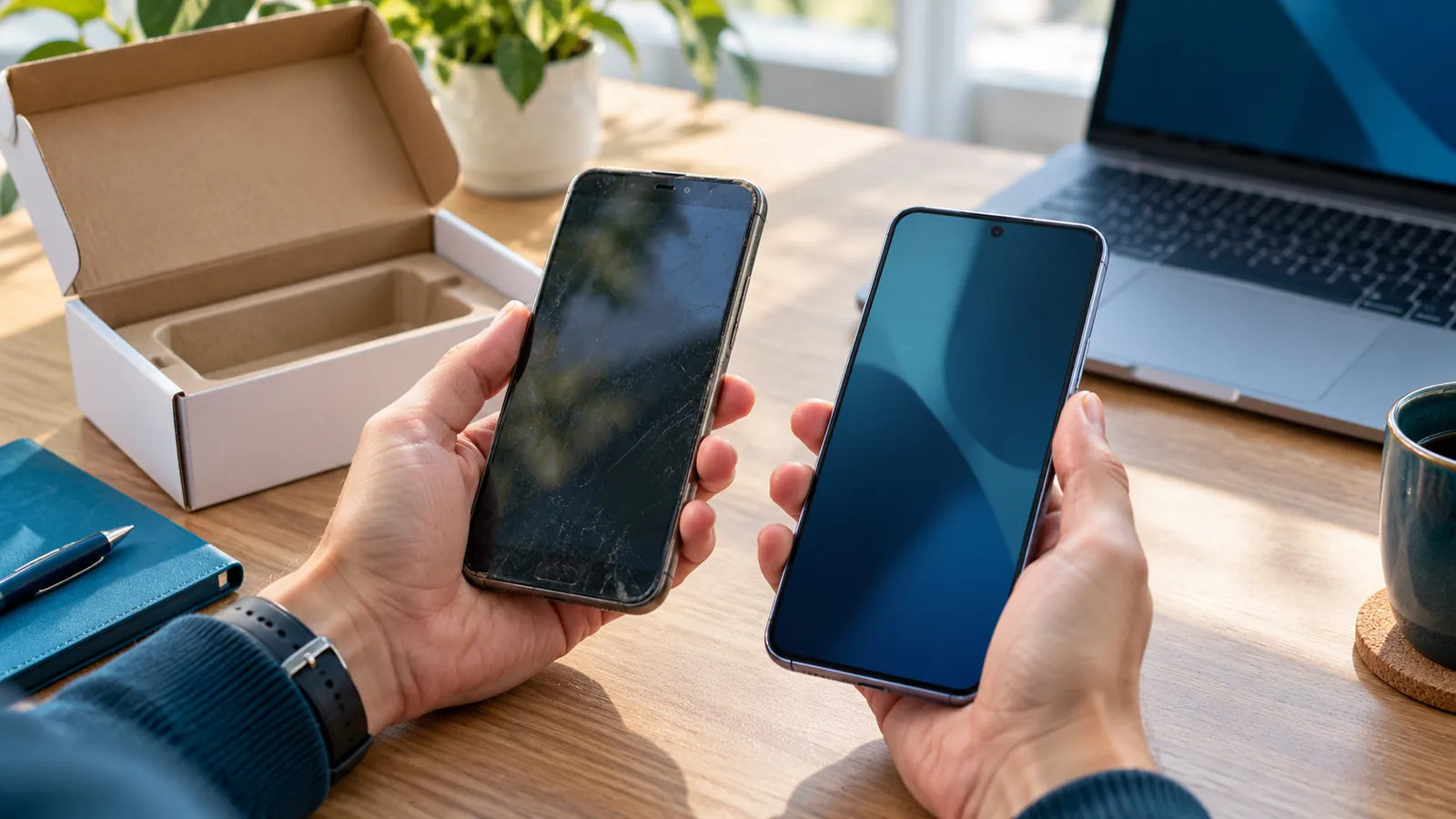
The replacement phone is ready. Your photos transferred, the calling app works, and the old phone is going into a trade-in box. Then Monday's work sign-in asks for an approval on the device you no longer have.
Before erasing or trading in a phone used for work authentication, confirm that the replacement can complete your organization's required sign-in checks. Coordinate the change with IT, test the relevant work accounts, and retire the old authentication methods only through the approved process.
An app icon is not a completed transfer
For Microsoft Authenticator, Microsoft says that restoring a backup does not restore work or school account credentials. An account name can return to the app while the account still needs sign-in and registration on the new device. Microsoft's guidance is to keep the old device available until that work is complete.
This is a Microsoft work-account example, not a rule for every authenticator, passkey or business application. Different services have different transfer and recovery processes. A phone-to-phone copy is a reason to verify each important account, rather than assume every sign-in method moved with it.
List the work that depends on this phone
Before the replacement appointment, make a short inventory with the user and IT contact. Start with work email, the file service, remote access and the applications needed to open the business. Include an owner account only if the person actually uses one; do not collect another employee's credentials.
For each service, record its name, the authorized account owner, how the phone is used and who supports recovery. A dental practice might include its approved communications and business systems; a design studio might include cloud files and project tools. These are planning examples, not assumptions about particular software integrations.
Keep passwords, setup QR codes, one-time codes and recovery secrets out of this inventory, screenshots and ordinary support tickets. The useful record is who owns the next step, not the secret that performs it.
Agree on the replacement sequence with IT
Ask the administrator which enrollment and verification methods are approved for your account. Microsoft documents that available methods depend on the organization's policies. If the desired option is absent, contact the administrator rather than weakening a requirement to finish the transfer.
For Microsoft work accounts, the official Authenticator enrollment instructions explain the Security info registration route. Use the organization's trusted sign-in path and follow its instructions. Do not follow an unsolicited “finish your migration” link or send a setup QR code to someone who contacts you unexpectedly.
Agree on a short handoff window while the old phone is still available. Confirm how to reach support from another device. If company management or an approved authenticator method must be configured on the replacement, have the authorized administrator guide that step. This guide is a planning aid, not authorization to change access policies.
Test the sign-in, not just an already-open app
A work app that remains signed in does not demonstrate that the new phone can complete a fresh challenge. With IT's guidance, use a normal approved sign-in test that actually requests the required method. Avoid signing out of every working session at once before a fallback is confirmed.
For each critical service, record the date, test performed, outcome and any open issue. The account owner should verify that the intended account and organization appear. Approve only a sign-in the user deliberately started; an unexpected prompt is a reason to stop and contact the known support route.
If a test fails, leave it visibly incomplete. Keep the old device available and resolve the failure before the trade-in. Do not ask a coworker to approve prompts for you or share an account as a shortcut.
Close the old route deliberately
After the replacement tests pass, ask IT to confirm which old device registrations and authentication methods should be removed. Microsoft documents administrator controls for managing authentication methods and sessions; the correct action depends on the account and situation. A phone-number change also deserves a check of the registered sign-in details.
Only then follow the organization's approved process for erasure, return or trade-in. Keep the test record, support owner and unresolved issues. Do not retain codes or QR images as proof.
Make the handoff easy to find through your normal help desk process: one record with the service names, account owner, test date, outcome, open issues and next responsible person is more useful than scattered messages saying the new phone “seems fine.”
If the old phone is already lost
Use the established support contact immediately. Microsoft directs users who have lost access to a registered method to their IT administrator. Report whether the device is lost or stolen and which work accounts depend on it; the administrator should guide identity verification, access recovery and any device response. This is different from a routine planned replacement.
VFIX's IT support service can be discussed around your users, applications and support responsibilities. Plan an IT consultation if device changes repeatedly interrupt work. For an existing problem, use your established support channel rather than waiting for a consultation.
Scope: planned work-phone replacement, with Microsoft Authenticator as the named example. Primary sources checked October 29, 2026. Follow your organization's account, device and data-handling policies.