
Managed IT
The new laptop is ready. Can your new hire finish a real task?
Build a useful first-day IT handoff around an approved sample task, the right access, honest test results and a clear route to help.
VFIX INSIGHTS
Showing 1 to 15 of 27 articles · Page 1 of 2
Managed IT
Build a useful first-day IT handoff around an approved sample task, the right access, honest test results and a clear route to help.
Cybersecurity
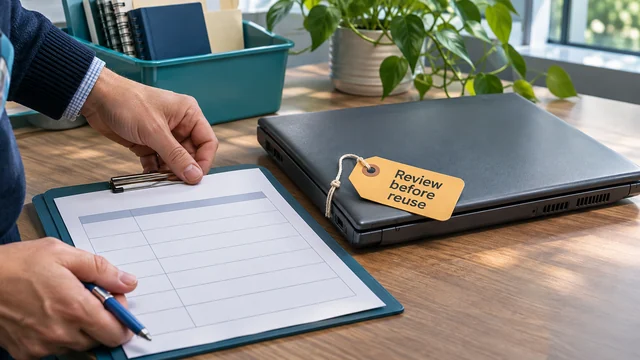
Separate the equipment handoff from the data decision: identify what must be retained, approve an appropriate sanitization process and keep useful evidence.
Business communications
A camera preview is a starting point. Rehearse joining, conversation and screen sharing with an approved remote participant, then agree a fallback.
Cybersecurity
Review a shared business login without disrupting work: separate the resource from the identity, check supported named access and document any unresolved exception.
IT continuity
Plan backup power around a useful business task: map its dependencies, verify the actual UPS and load, and agree when to stop or shut down safely.
IT planning
Check the exact software version, verify vendor support evidence and assign a next action before an unsupported application becomes an urgent replacement.
CLOUD GOVERNANCE
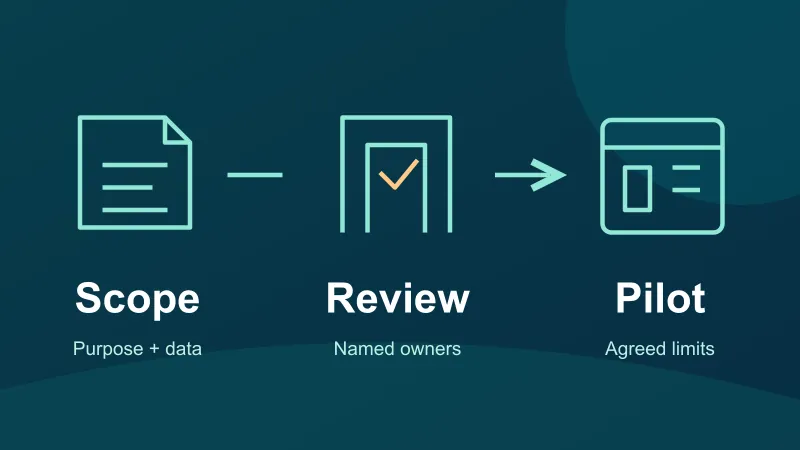
Review a cloud app before sensitive data enters it: define purpose, data, access, provider responsibilities, required agreements and a limited pilot.
IT PLANNING
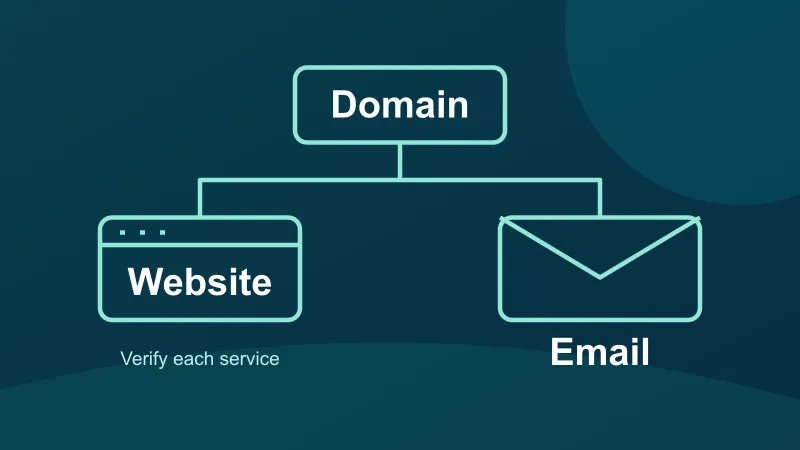
Map domain, website and email service ownership: confirm providers, renewal arrangements, notice routes and responsible people without changing DNS.
MANAGED IT
Clarify printer maintenance responsibilities: identify the device, assign firmware and workflow owners, plan changes and test the work your office needs.
BUSINESS VOIP
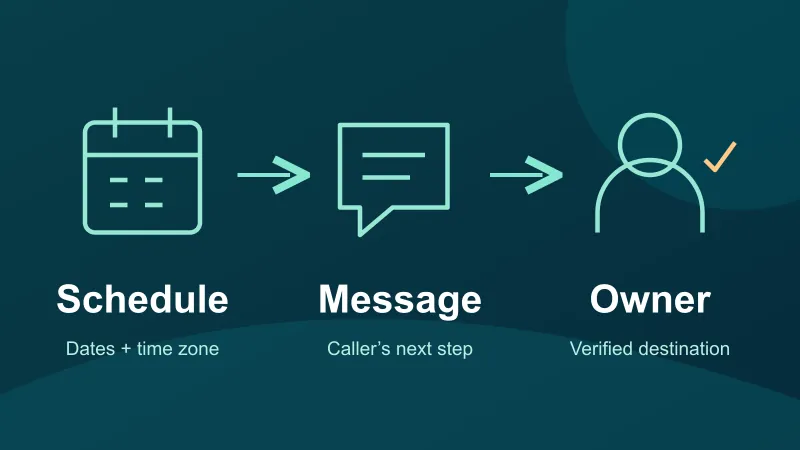
Prepare a practical holiday call plan: confirm dates and time zone, match the greeting to the route, test the mailbox and assign a response owner.
CYBERSECURITY
Replacing a phone used for work authentication? Plan the handoff, verify fresh sign-ins and retire the old device through your approved IT process.
CLOUD & RECOVERY
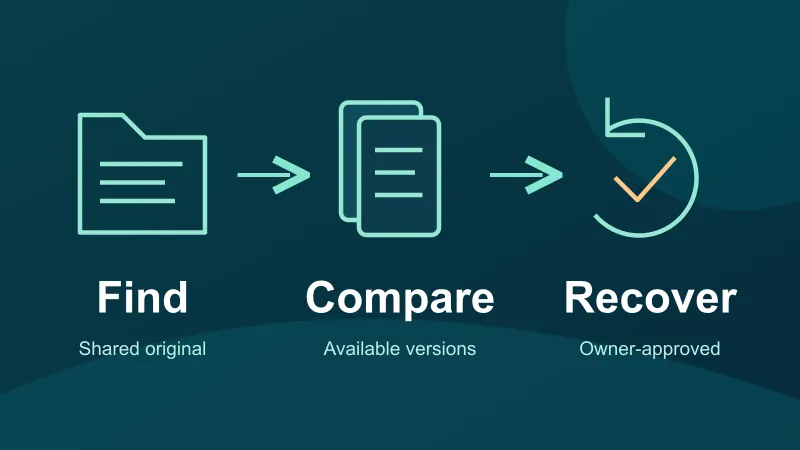
Recover an overwritten OneDrive or SharePoint file carefully. Check available versions, preserve current work and verify the limits of your recovery plan.
CLOUD & EMAIL
Check shared inbox coverage before staff leave: opening, sending identity, visible replies, unfinished work and a safe Microsoft 365 rehearsal.
BACKUP & RECOVERY
Plan a safe sample backup restore: choose the file and recovery point, protect live work, check the recovered copy and record what the test actually proved.
BUSINESS VOIP
Give phone support a useful starting point: call time, affected audio, device, connection and scope. Use a six-part note without guessing at the cause.