
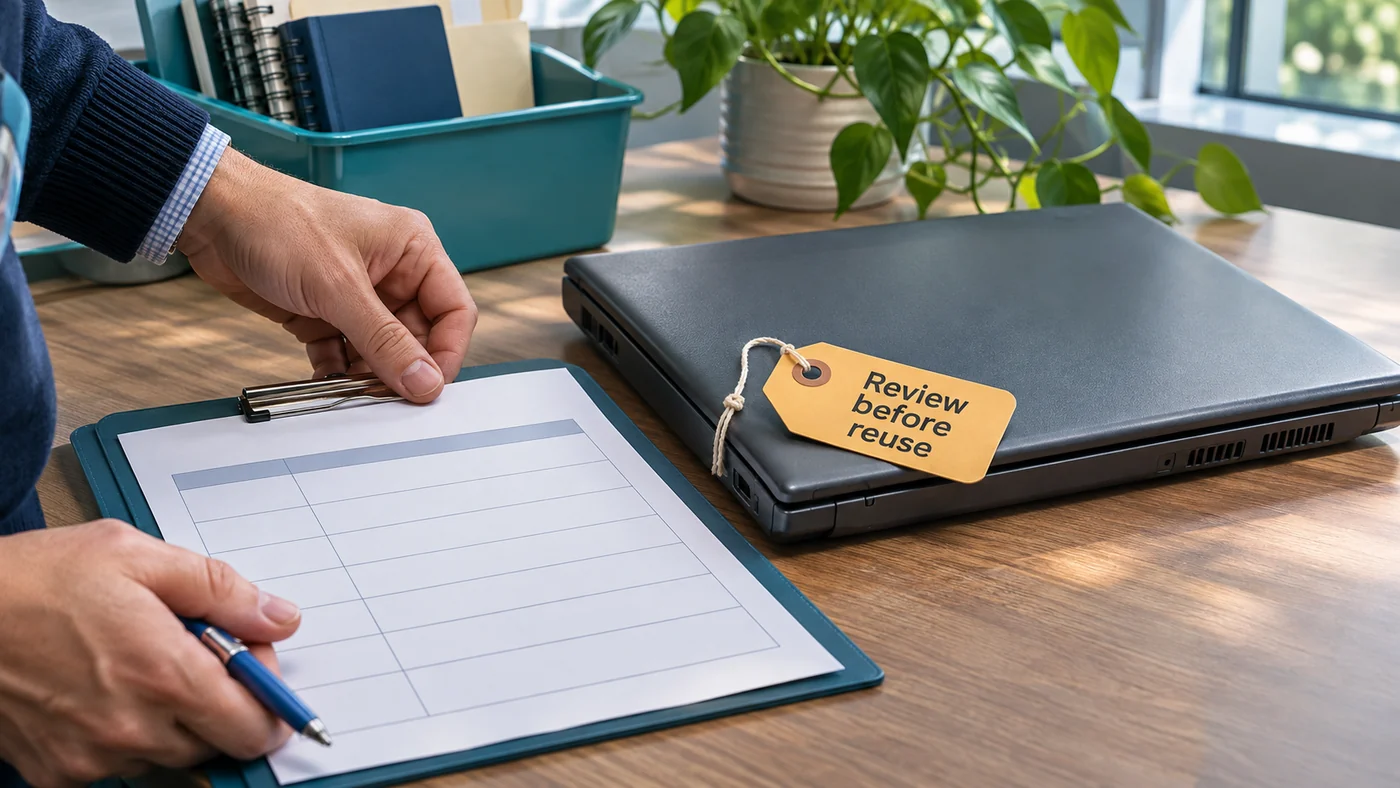
The replacement computer is working, and the old one is ready to leave the office. Before it goes to another employee, a recycler or an outside provider, decide what should happen to the information associated with it.
Give that decision an owner. A tidy desk, an empty recycle bin or a receipt for the equipment does not by itself explain what data was retained, what process was performed or whether its result was checked.
Identify the equipment and the information decision
Use the organization's approved asset record to identify the device and any relevant storage media. Ask the technical owner what local files, profiles, application data or removable media need to be considered. Do not assume that using cloud services means there is no local information to review.
Identify who owns the business records and who can authorize their disposition. Confirm any retention requirement or legal hold with the responsible records or legal owner before approving removal. This planning checklist does not set a retention period or resolve a legal obligation.
Confirm what the business still needs
Agree which records, settings and application dependencies must be preserved for ongoing work. Ask the appropriate owner to verify access to the retained material and a representative business task before authorizing the old device's data treatment.
Keep the verification proportionate and safe. An approved sample restore or access check is more useful than assuming that a copied folder contains everything. Record what was checked and what was outside the check, without putting client records or credentials into the handoff note.
Ask for an appropriate sanitization process
NIST SP 800-88 Revision 2, published in September 2025, addresses a media-sanitization program and selecting applicable methods and controls based on information sensitivity. It provides a basis for asking the technical owner about the chosen method and its assurance, not a universal button sequence for every drive.
Ask the qualified provider which media is in scope, which method is appropriate and how the result will be verified and accepted. Do not infer validated sanitization from a file deletion, a product reset option or an unexplained “done” note. The actual process and evidence need review for the device and information involved.
Do not improvise destructive work, open equipment or run an unfamiliar erasure tool to follow this article. Have the authorized technical owner plan the work and address any failure before the device changes hands.
Make the handoff traceable
Record who had custody of the equipment, who authorized the work and who is responsible for the result. Ask what completion evidence the provider will return and how you will connect it to the correct asset.
A provider's certificate or receipt should be reviewed for what it actually covers. Check the device identifier, scope, method or referenced process, result and exceptions. Do not treat a document's title alone as a guarantee that every storage component or data copy was addressed.
Use an asset data-handoff record
- Asset: Approved device identifier and relevant media inventory.
- Records decision: Retain, investigate or authorize treatment, with the responsible approver.
- Continuity check: Retained material and representative work that were verified.
- Process: Qualified technical owner, scope and applicable sanitization approach.
- Evidence: Completion result, verification/acceptance and any exception.
- Custody: Approved destination, handoff date and record location.
For related preparation, read how to plan a useful restore check. Discuss the technology transition with VFIX IT project planning and identify separately who will perform and accept the data-treatment and equipment-disposal work.