
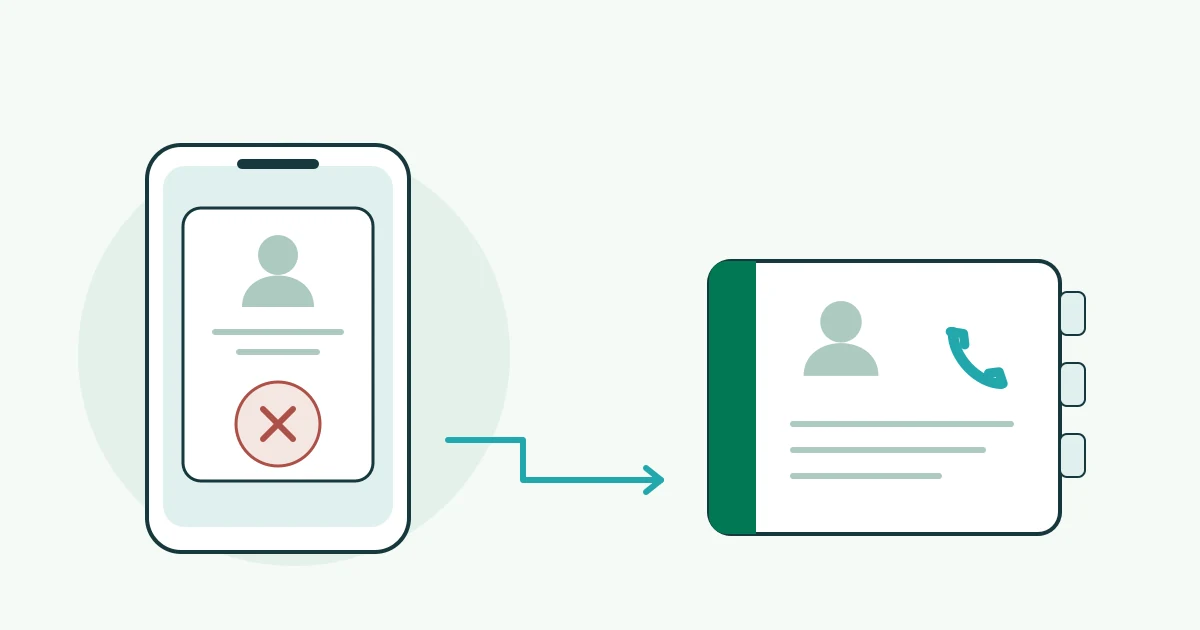
Your phone asks you to approve a work login while you are answering a client call. You were not signing in. The safest next step is not to make the notification disappear by approving it: deny the request and report it through your established IT support route.
For a busy Bay Area office, that response should be a short routine everyone knows, not a security puzzle each employee has to solve alone.
A prompt is a request, not proof of identity
Multi-factor authentication (MFA) adds a verification step to sign-in. Attackers can exploit the human part by sending repeated requests and hoping someone eventually accepts. MITRE documents this technique as Multi-Factor Authentication Request Generation.
An unexpected prompt is worth investigating, but it does not by itself prove that someone entered your account. Microsoft notes that unrequested Outlook mobile prompts can also come from an incorrectly entered phone number or email address, or a delayed request. Its guidance is to deny requests you did not initiate. See Microsoft’s sign-in guidance.
- Deny: Do not approve an unrequested login.
- Report: Use the support contact your workplace already trusts.
- Explain: Say when it happened and whether you approved anything.
Make the report useful, without sharing secrets
Agree on a reporting route before the next interruption. Put it somewhere staff can find even when they cannot sign in to email. A manager should know the backup route if the normal support contact is unavailable.
Our suggested report includes the affected work service, approximate time and time zone, whether requests repeated, and whether you denied or approved one. Do not include passwords, one-time codes, recovery codes or customer information. Use the organization’s approved incident process rather than posting account details in a public chat.
“I received a work sign-in request at about 2:15 p.m. Pacific. I was not signing in. I denied it, and two more appeared. What should I do next?”
That is an illustrative script, not a real VFIX incident. It gives support a starting point without asking the employee to diagnose the cause.
If you already tapped approve, say so promptly
Do not wait to see whether anything looks wrong. Contact your designated IT or security support team and explain exactly what happened. Follow their account-recovery instructions through a known route. Do not remove your authentication app or disable MFA just to stop the notifications.
The person handling the incident should decide what investigation and containment the account needs. This article is not a substitute for that process, and denying a later prompt does not establish that an earlier approval caused no harm.
Improve the setup after the immediate issue
Ask your administrator which sign-in methods protect your important accounts. In Microsoft Entra, phishing-resistant authentication is a distinct category that includes methods such as FIDO2 security keys and Windows Hello for Business. A password plus a push notification is not in that category. Microsoft’s authentication-strength documentation explains the distinctions.
Method changes need a planned rollout, supported devices and a recovery plan. Do not experiment on a live administrator account to resolve an interruption.
Start today by naming the reporting contact and rehearsing the short script. For a broader discussion, explore VFIX’s cybersecurity and network protection or contact VFIX about your current setup and service scope. If an incident is happening now, use your existing incident-response route rather than waiting for a consultation.
General workplace guidance, not a diagnosis, incident-response service commitment or compliance guarantee. Primary sources checked November 13, 2026. Controls vary by account, platform and organization policy.