
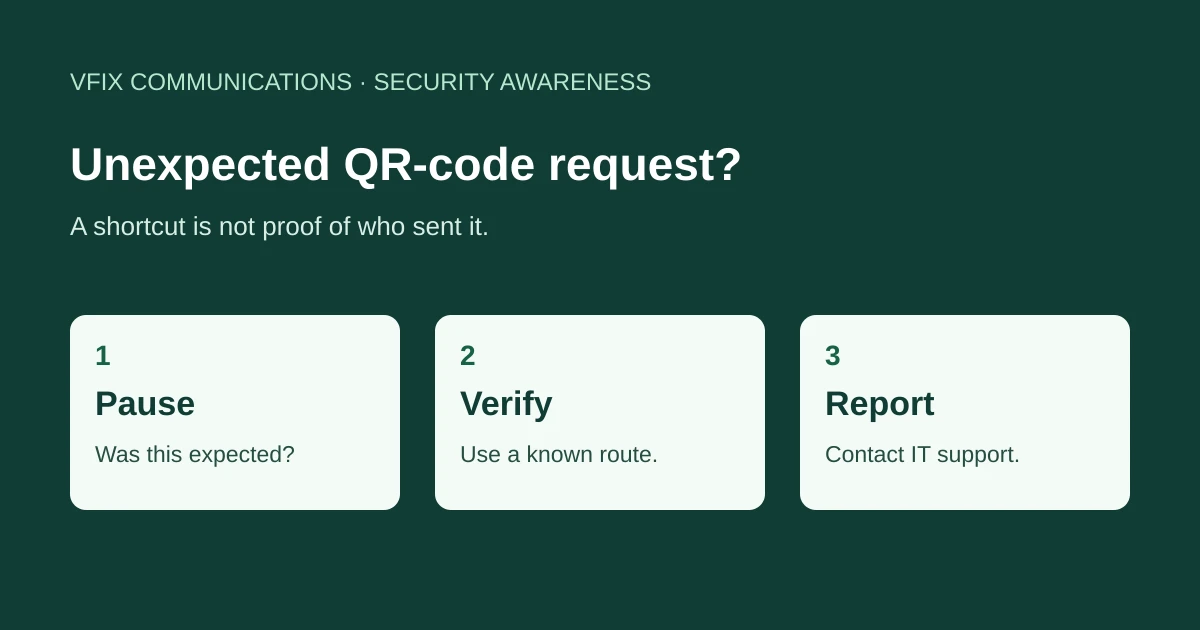
A receptionist gets a message about an undelivered package. It asks them to scan a code with their phone. Before a busy Bay Area office moves on to the next task, there is a better question than “Will this scan?”: “Did we expect this request?”
This is an illustrative scenario, not a report about a VFIX customer.
Check the request before the destination
The FTC warns that unexpected QR codes in messages can lead to imitation websites that collect information. An urgent delivery or account problem is a reason to verify independently, not a reason to hurry. Use a known company website or phone number rather than the route in the message. Read the FTC’s QR-code guidance.
For an office, a useful routine is to name who handles unexpected supplier and delivery requests. Staff should not have to decide alone whether a convincing message deserves an exception.
Look beyond the square
If a legitimate task involves a code, inspect the destination before proceeding. The FBI notes that criminals can alter physical and digital codes, including placing a sticker over an original. It advises caution with login and financial details, using an app store rather than a QR code to download an app, and using a known website for payments. Read the FBI’s practical precautions.
Recognizing a logo is not a substitute for checking the request. When the destination or purpose is unclear, stop and ask the person responsible for that business process.
Make reporting easy
Consider this short internal reporting template:
- Where did the code arrive: email, text, paper or signage?
- What task did it ask you to perform?
- Did you only view it, open a page, enter information or install anything?
- Which work account or device was involved?
Send that information through your established IT support route. Do not include passwords, authentication codes, patient information or client records. If someone already interacted, report promptly rather than experimenting with the same link again. The appropriate response depends on what happened; scanning a code alone does not establish that an account is compromised.
Give staff a simple alternative
For a dental practice, accounting firm or other small business, the goal is not to ban useful QR codes. It is to provide a clear verification route when an unexpected request interrupts the workday.
Review VFIX’s cybersecurity services, or contact VFIX to discuss a practical staff reporting process. Scope and services depend on your agreement.
General awareness guidance, not a substitute for your organization’s incident-response or privacy procedures.