
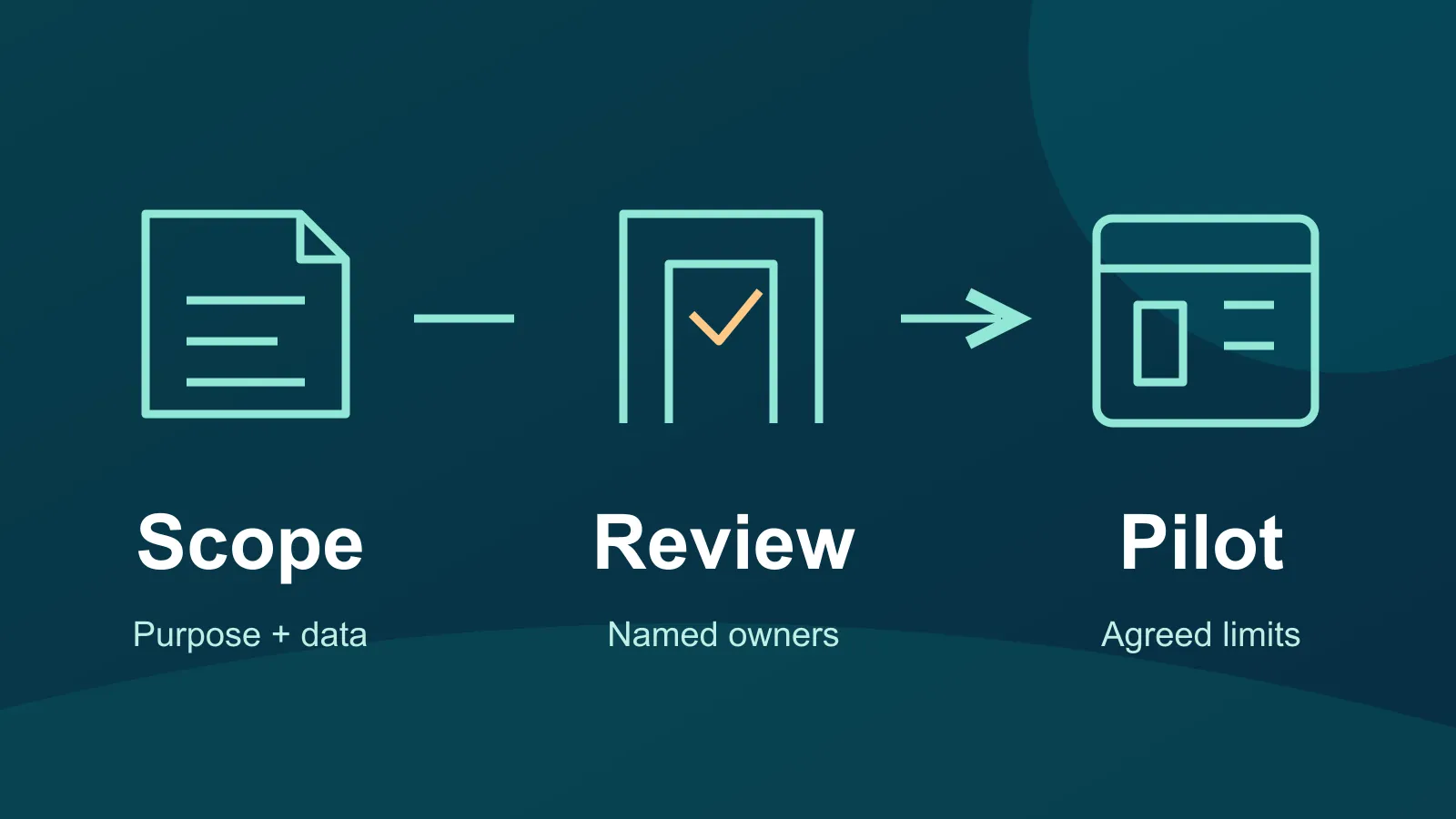
A new scheduling or document tool looks useful. The team wants to try it with a real client file because that seems like the quickest way to see whether it works. Before that first upload, someone needs to decide what the service may receive and who is responsible for the decision.
Start with a short, written intake: the business purpose, the data involved, the people who need access, the provider's responsibilities and the person who can approve the use. Use an approved nonsensitive example for an initial demonstration. A useful feature demonstration and approval to handle sensitive business information are separate decisions.
Name the job before evaluating the tool
In an illustrative Bay Area consulting-office example, staff want a client portal to collect project documents. Write the intended job narrowly: collect an agreed set of project files from named clients. That makes it easier to ask focused questions than a request to “move everything into the new app.”
List the categories of information that would enter the service, where they come from and who would use the results. Describe categories such as contact details or signed project documents; do not copy actual records into the review worksheet. Include connected tools and proposed integrations, since an apparently small trial can involve more than a single upload.
NIST's small-business cybersecurity guide recommends assessing supplier and third-party cybersecurity risks before a formal relationship. The intake below is a practical starting point for that conversation, not a security certification.
Collect answers you can trace to the provider
Ask the provider or your IT contact for current documentation that applies to the product, subscription and intended use. Keep links, dates and unresolved answers together. A general marketing page should not stand in for the terms and settings you will actually rely on.
- Data and purpose: What information may be uploaded? What uses does the provider's agreement allow? Ask about any proposed secondary use, including training or improving automated features, rather than assuming an answer from the word “private.”
- Access: How are staff, administrators and outside collaborators identified? Which approved sign-in methods, access roles and removal process would your organization use?
- Responsibilities: Which settings and monitoring tasks belong to your team, the provider or your IT partner? Name the person who will keep them current.
- Recovery and exit: How would you export usable records, recover a mistaken change, close the account and confirm the agreed deletion process? Ask what happens to retained copies and backups.
- Support and incidents: How do you report a problem, who receives provider notices, and what response commitments are documented for your service?
- Agreements: What contract, privacy, client or regulatory requirements must be reviewed before real data enters the service? Route these to the responsible business and legal or compliance owners.
These are questions, not assumptions about every cloud product. If the provider cannot answer an important one, record the gap and keep the proposed data use on hold. Avoid filling an empty answer with an optimistic guess.
Dental practices need a specific ePHI review
For HIPAA covered entities and business associates considering a cloud provider to handle electronic protected health information on their behalf, HHS guidance on cloud computing addresses business associate agreements and the organization's own risk analysis. It also explains that a provider maintaining only encrypted ePHI can still be a business associate even without the decryption key.
Have the practice's responsible compliance or legal adviser assess the proposed use and required agreements before patient information is uploaded. A vendor's encryption statement or signed agreement alone does not complete that review. This article does not determine whether HIPAA applies to a particular organization or certify a product's compliance.
Keep the pilot within its agreed boundaries
After the appropriate owners authorize a pilot, record its users, allowed data, permitted integrations, test questions and end date. Have IT make any account or configuration changes through the organization's normal process. Do not connect the whole shared drive simply because a setup screen offers that option.
Use the pilot to test actual work: can an approved user submit the intended sample, can the right person find it, and can the team export a usable result? Test access boundaries only through an authorized plan. Record what was observed, what failed and what remains unknown; a successful demonstration does not validate every feature or data category.
Use the intake worksheet with your team
Download the two-page cloud app intake worksheet to record the proposal and open decisions. It has printable blank fields, not an interactive form. To use the same record headings without the PDF, create an approved business record with:
- Proposed use: app, provider and subscription; business owner and review date; purpose and intended users.
- Each data route: data category, current source, recipient or connection, and proposed pilot limit.
- Review contacts: IT reviewer and established contact route; required data, legal or compliance reviewer.
- Evidence and open questions: access and administration; data use and responsibilities; recovery, export and exit; support and agreements. Record the evidence reference and the answer or open question for each.
- Decision and follow-up: decision, restrictions and next review date; each unresolved item, responsible owner and due date.
Keep passwords, setup codes, payment secrets and real sensitive records out of this planning record. Completing it is not authorization to upload data or certification of security or compliance.
Make the approval useful after launch
The final record should identify the approved use, restrictions, unresolved items, responsible owner and next review date. A new integration, different data category or changed provider terms should prompt another look through the same business process.
If the project also includes moving shared files, use our shared-drive access-mapping guide to plan that work separately. VFIX's cloud planning and support can help scope suitable workloads and dependencies. Discuss your proposed cloud project with the purpose and unanswered questions in hand.
Scope: a small-business cloud-service intake and pilot-planning aid. Primary sources checked October 30, 2026. Follow applicable contracts, organizational policies and professional legal or compliance advice; this is not approval to upload sensitive information.